Geospatial Agent
An AI agent for querying and exploring maps through chat
Geospatial Agent is a map and chat workspace for exploring location questions alongside geographic layers and the tools that produce them.
Open demo · Project website · Documentation · GitHub
What it does
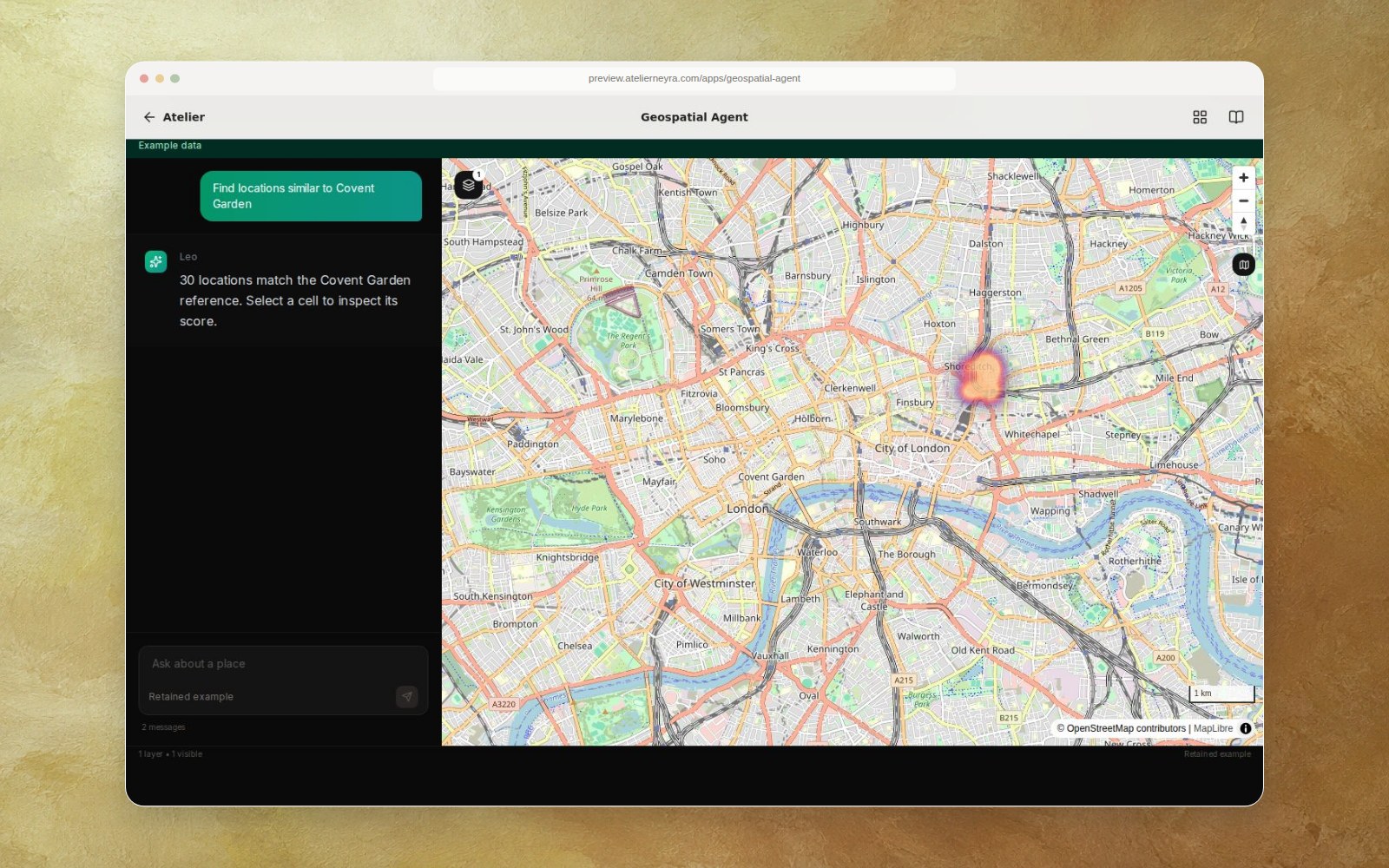
The recovered Next.js and deck.gl workspace combines chat, map layers, process views and a Python backend with geographic tool adapters. The public example shows a retained result calculated by the retail location scorer using generated H3 features. Choose the suggested Covent Garden prompt to inspect its explanation and map layer.
Run the example
Requires Node.js 18.17 or newer and npm.
git clone https://github.com/latintzar/geospatial-agent.git
cd geospatial-agent/frontend
npm ci
NEXT_PUBLIC_EXAMPLE_MODE=true npm run dev
Open http://localhost:3000. The example uses MapLibre and OpenStreetMap tiles and makes no model request. To host it under another route, adjust assetPrefix in frontend/next.config.mjs; npm run dev serves the local app at the root. See example mode.
Live configuration and status
The original backend and tool adapters are retained for further development; live operation requires your own model and mapping accounts, data, and validation of each tool. See environment template, recovery notes and original technical README. The public example uses 90 synthetic feature records. A separate private historical London matrix was verified at 131,596 locations and 1,956 numeric features; global matrix completion has not been verified.
Retail Location Similarity is the standalone scoring example. Original source is MIT licensed; third-party code, services and data retain their own licenses.
Source and agent instructions
The source was recovered from latintzar/puedo_casa, branch leo-agentic-maps, commit 3d0512e23c5ea5c43075dbaac5b633f98f73bee1, under Leo/. Preserve the distinction between authored examples and live provider output; use operator-owned credentials and keep synthetic and privately held datasets clearly identified. See recovery and data provenance before changing data handling.