
Page context for coding agents
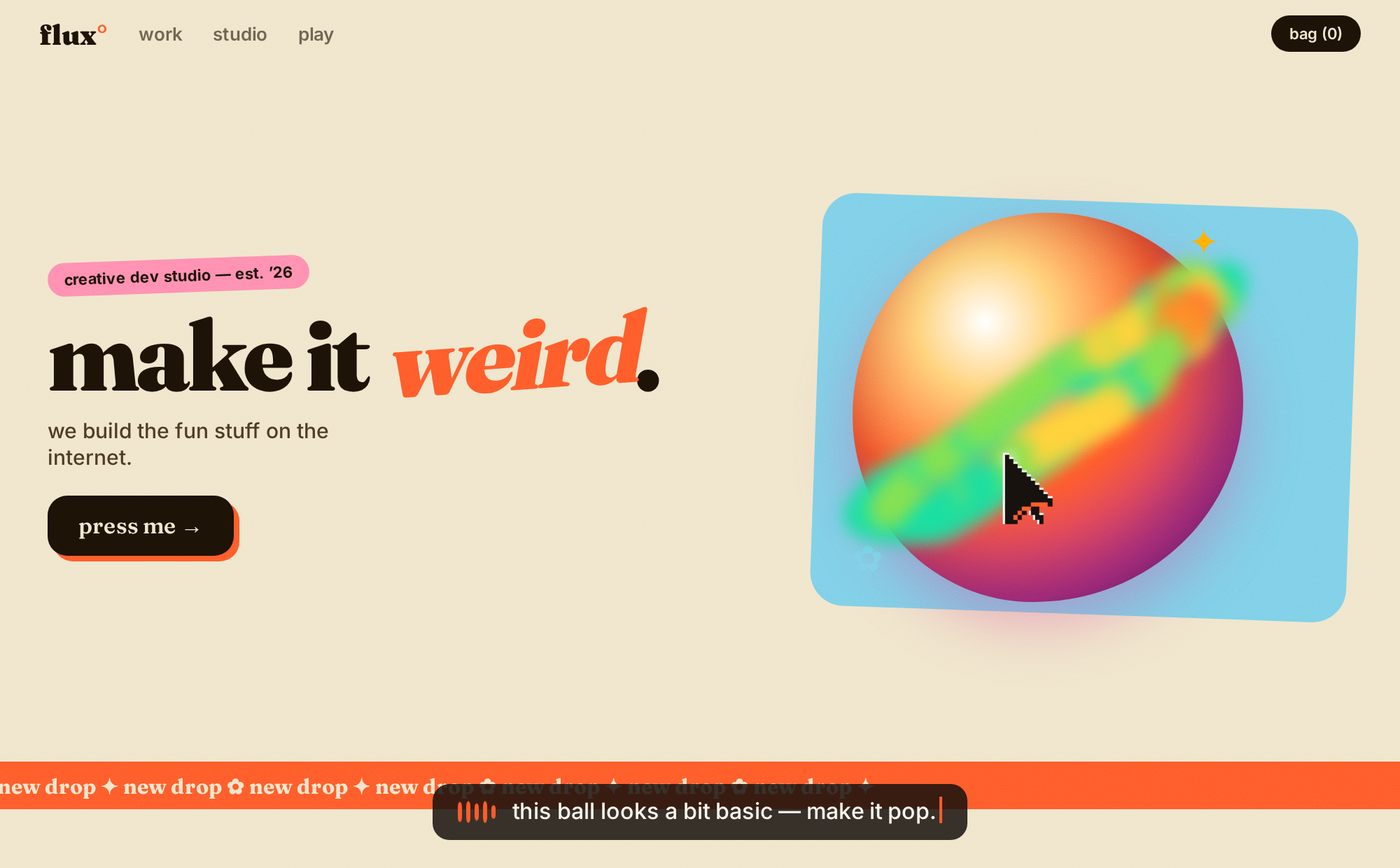
Record a web page while you point and talk. Dis Dat gives your coding agent your spoken brief alongside the actual DOM, styles, framework state, motion and runtime events you were looking at.
Use your own Deepgram key for transcription and choose Groq or Anthropic for the written briefing. Your capture saves as a local JSON file that the agent can unpack and read.
Install with your agent
Requirements: Python 3.10+ on macOS or Linux, and desktop Chrome or Chromium. Give your agent this checkout and the setup skill.
With your provider keys already in a private environment:
python3 tools/disdat.py setup --provider groq
python3 tools/disdat.py doctor
Use --provider anthropic to select Anthropic. Keys can also come from --env-file /private/disdat.env or hidden local input with --prompt. Configuration lists the variables and storage locations.
Load the extension directory printed by setup through chrome://extensions → Developer mode → Load unpacked. Allow microphone access at the first recording. These browser permissions remain under your control.
Record and use a capture
- Open a page, click Dis Dat or press Alt+Shift+D, and start recording. Capture follows navigation in that tab; screenshots pause while another tab is active.
- When Stop appears, talk while you point, hover, scroll and move between pages. Stop when you finish.
- The browser downloads
disdat-capture-*.json. Paste the copied briefing into your coding agent. - The agent unpacks the file and starts with
core.json:
python3 tools/disdat.py unpack /path/to/Downloads/disdat-capture-EXAMPLE.json
The capture skill explains the artifact format and how to work from captured facts. The core includes the transcript and engaged elements; the other artifacts hold captured DOM, screenshots, assets and sources. Capture files can contain private page content, so keep them with the project they belong to.
Runtime modes
| Mode | Transcription and briefing | Artifact delivery |
|---|---|---|
| Own keys | Direct Deepgram plus your selected Groq or Anthropic account | Local browser download |
| Hosted | Existing Dis Dat sign-in and hosted provider proxy | Existing hosted artifact workflow |
Choose the existing hosted path explicitly with python3 tools/disdat.py setup --mode hosted. Provider usage follows the selected account's terms and billing. Architecture explains the data flow; extraction decisions explain the tradeoffs.
Other tools
- Token MCP: let an agent query a local token library, export CSS/DTCG or use the existing optional Figma path.
- Website source: the existing Dis Dat website and product demonstrations.
- Release status: included source, validation and remaining work.
- Provenance: exact original source commit and copied files.
- Export scope: retained source and historical experiments preserved privately.
Original code is MIT licensed. Fonts and dependencies retain their own licences and notices.